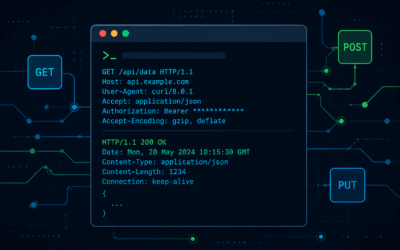
Introduction curl is a command-line HTTP client that doubles as a surgical pentesting tool — crafting raw requests, testing auth mechanisms, exploiting web vulnerabilities, and automating recon without firing up a full framework. If you live in a terminal, this is...
Sandbox99 Chronicles
From My Sandbox to Yours — Practical IT Insights.
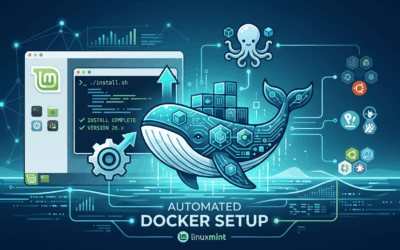
Automating Docker Setup on Linux Mint (and Other Ubuntu Derivatives)
Introduction Setting up Docker and Docker Compose on an Ubuntu derivative like Linux Mint can occasionally throw a wrench in your gears. The main culprit? The official Docker repository expects standard Ubuntu codenames (like jammy or noble), while your system...
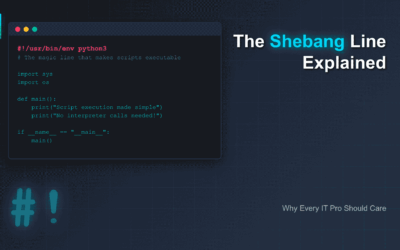
The Shebang Line Explained: Why Every IT Pro Should Care
What is the Shebang Line? The shebang line (also called hashbang or sharp-bang) is the character sequence #! followed by the path to an interpreter, placed at the very beginning of executable script files. It tells the system which interpreter to use when executing...
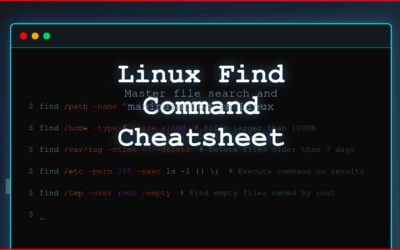
Level Up Your Linux Skills: Find Command Reference
Introduction The find command is one of the most powerful and versatile tools in the Linux command line arsenal. It allows you to search for files and directories based on various criteria such as name, size, type, permissions, and modification time. Beyond just...
Mastering Symbolic Links: A Linux File Management Essential
Introduction Hook: Ever wondered how some files seem to exist in multiple places at once on your Linux system? Or how software can find its libraries even if they're moved, seemingly without breaking? Enter the humble, yet powerful, symbolic link! Often overlooked,...
Linux File Truncation: Wipe File Contents Without Deleting the File
Introduction Have you ever found yourself needing to clear the contents of a file in Linux, but without actually deleting the file itself? Perhaps a rapidly growing log file is eating up disk space, or you need to reset a temporary data file for an application without...